

Richard
Author
Share this article
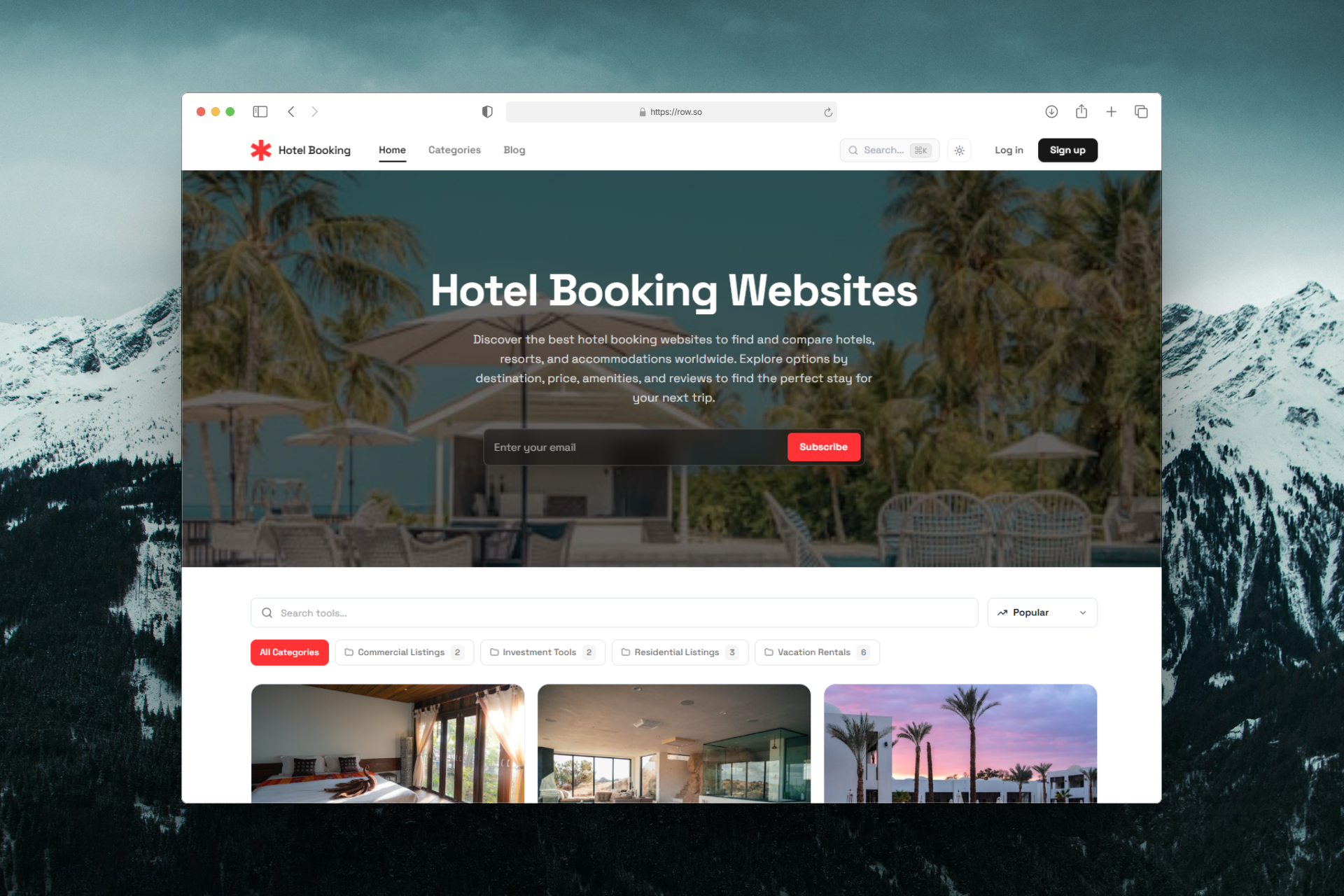
Not every directory needs to look like a traditional list of businesses or links. When your content is highly visual, images should be the main focus.
With Row.so, you can create visual directories for photography, real estate, portfolios, image albums, property listings, and more.
Choose from three gallery layouts — Grid, Slideshow, and Carousel — and create a directory that fits your content.
See an example: https://gallery.row.so

Three Gallery Views for Visual Directories
1. Grid
The Grid layout displays your listings in a clean and responsive gallery.
It's ideal for:
- Photography directories
- Image collections
- Real estate listings
- Product showcases
- Creative portfolios
- Photography galleries
- Property showcases
- Image albums
- Design portfolios
- Featured listings
- Featured properties
- Portfolio projects
- Image collections
- Property listings
- Curated directories
Visitors can quickly scan multiple images and discover the listings they are interested in.
2. Slideshow
The Slideshow layout puts the spotlight on one image or listing at a time.
This works especially well for:
3. Carousel
The Carousel layout allows visitors to browse through multiple listings horizontally.
Use it for:
What Can You Build?
Gallery layouts make Row.so suitable for many image-focused directory ideas.
Photography Directory
Create a directory of photographers, photography studios, photo locations, or curated photography collections.
Real Estate Directory
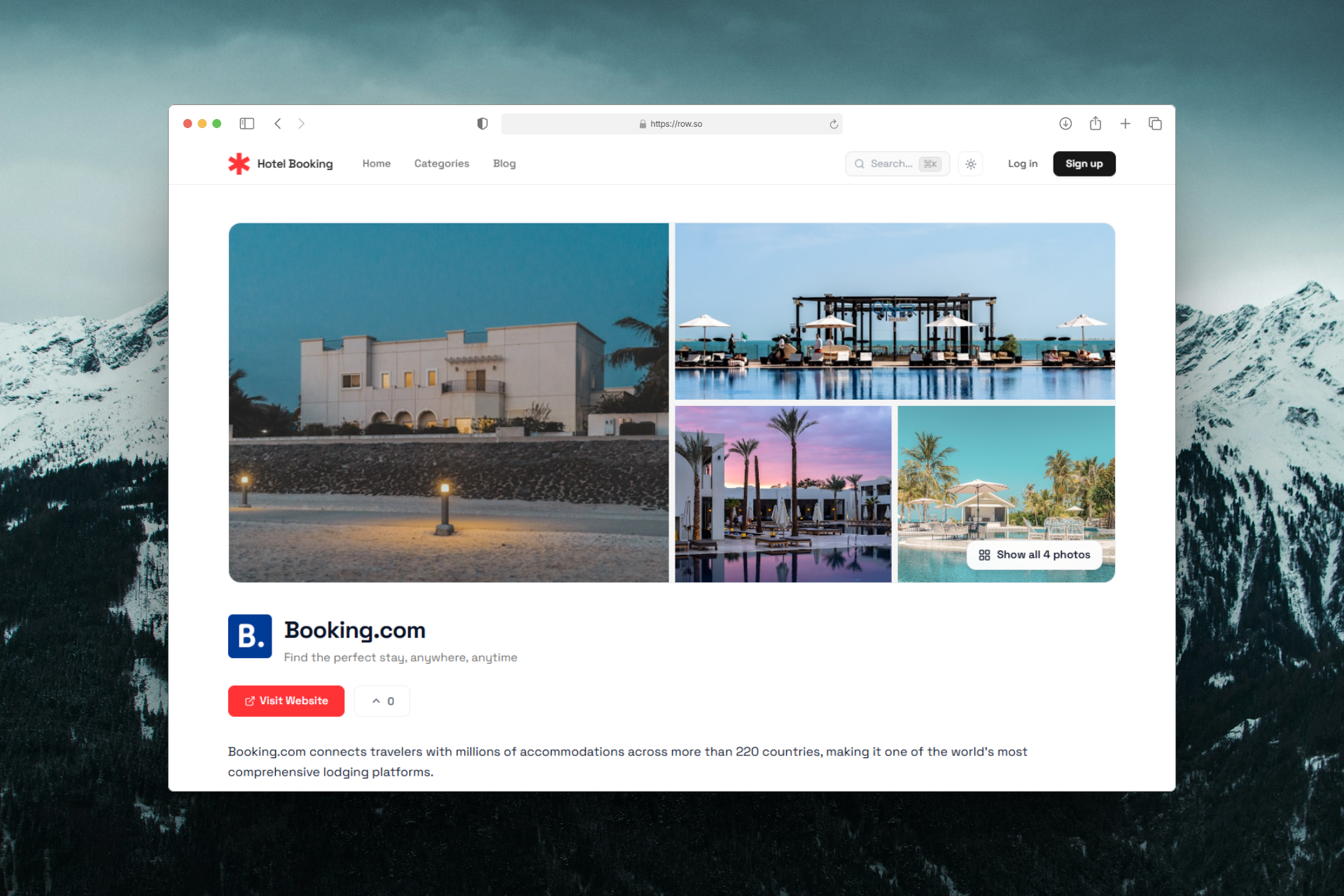
Showcase properties with large images, property information, locations, prices, and other listing details.
Portfolio Directory
Build a portfolio directory for designers, developers, photographers, agencies, or other creative professionals.
Image Album
Create a searchable collection of images organized by categories, tags, or custom fields.
Property Listing Website
Build a visual property marketplace where visitors can browse homes, apartments, offices, hotels, or other properties.
Build Your Visual Directory with Row.so
A directory doesn't have to be boring.
With Grid, Slideshow, and Carousel, you can create a more visual experience that matches the type of content you're publishing.
Whether you're building a real estate directory, photography website, image gallery, portfolio, or property listing website, Row.so gives you the flexibility to turn structured data into a beautiful visual directory.
👉 Explore the gallery example: https://gallery.row.so
Build your visual directory with Row.so.