

Richard
Author
Share this article
If you've ever tried embedding an image hosted on Google Drive into a website or blog, you've likely run into one common issue: Google Drive sharing links don't work as direct image URLs.
Instead of displaying the image, they open a Google Drive preview page. While this behavior is useful for sharing files with people, it doesn't work well for websites, documentation, or applications that need a direct image source.
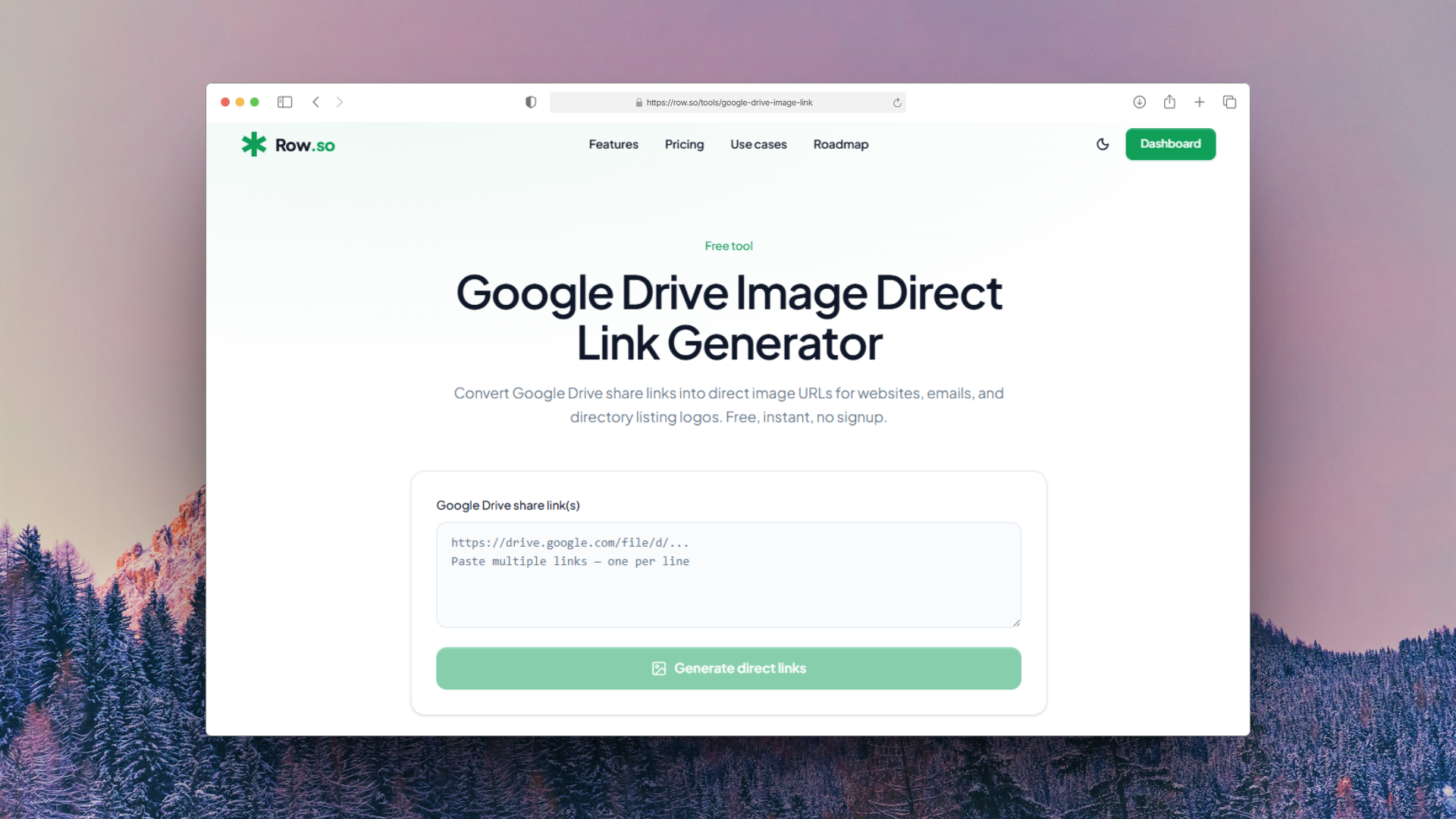
The Google Drive Image Direct Link Generator from Row.so solves this problem by converting a standard Google Drive sharing link into a direct image URL that can be used anywhere.
What Is a Google Drive Direct Image Link?
When you share an image from Google Drive, the generated URL usually looks like this:
https://drive.google.com/file/d/FILE_ID/view?usp=sharingThis link opens a Google Drive interface rather than returning the image itself.
A direct image URL points directly to the image file, making it suitable for:
- HTML
<img>tags - Markdown documents
- Websites and blogs
- Notion pages
- Documentation
- AI directories
- No-code platforms
- Email templates
- Free to use
- No sign-up required
- Fast and lightweight
- Compatible with any public Google Drive image
- Upload your image to Google Drive.
- Change the file permission to Anyone with the link.
- Copy the sharing URL.
- Visit the Google Drive Image Direct Link Generator on Row.so.
- Paste the URL.
- Copy the generated direct image link.
Why Use a Google Drive Image Link Generator?
Converting the URL manually is possible, but it requires extracting the file ID and rebuilding the URL in the correct format.
Our tool automates this process in seconds. Simply paste your Google Drive sharing link and you'll receive a direct image URL that's ready to use.
The tool is:
How to Convert a Google Drive Image Link
Using the tool only takes a few steps.
You can immediately use the generated URL in your website, application, or documentation.
Common Use Cases
Embed Images on Websites
Use the generated URL directly inside an HTML image tag.
<img src="YOUR_DIRECT_IMAGE_URL" alt="Image">Markdown
Display images in GitHub repositories, documentation, or README files.
!ImageAI Directories
If you're building an AI directory with Row.so, storing logos in Google Drive and converting them into direct image URLs is a simple way to manage media without using another hosting service.
Internal Documentation
Teams using Notion, documentation portals, or knowledge bases can embed images using a direct URL instead of linking to a Google Drive preview page.
Frequently Asked Questions
Does the image need to be public?
Yes. The file must be shared as Anyone with the link. Otherwise, browsers and external applications won't be able to access it.
Does it support PNG, JPG, WebP, and SVG?
Yes. As long as the file is stored in Google Drive and publicly accessible, the format isn't an issue.
Is the tool free?
Yes. The Google Drive Image Direct Link Generator is free to use.
Try the Tool
If you regularly use Google Drive to store images, converting sharing links into direct image URLs can save time and prevent embedding issues.
You can use the free Google Drive Image Direct Link Generator here: